

A lot of restaurant POS systems run on one shared login — the same password everyone on shift knows, opening the same everything to whoever's typing. A server who can edit the menu, a host who can process a payment, a kitchen account that can see reservations nobody needs it to see — none of that is a hypothetical, it's just what a shared login means.
Quick answer (for the impatient)
- Four real roles ship ready to use — Server, Kitchen Staff, Cashier, Host — each matched to what that job actually needs.
- Access is scoped, not shared — a server's login and a cashier's login genuinely open different things.
- This isn't a label over one shared account — it's real, enforced access control.
One login, every permission
The shared-login habit isn't laziness — it's usually just how a POS got set up on day one, and nobody revisited it. But it means every person who's ever worked a shift has, in principle, the same access as the owner: to the menu, to reports, to reservations, to whatever the system exposes. That's not a risk that shows up often — it's a risk that shows up exactly once, at the worst possible time.
The failure mode isn't dramatic — it's a wrong price change nobody remembers making, a refund processed by someone who shouldn't have been able to, a report seen by someone it wasn't meant for. Small things, individually. They add up.
Four roles that match a real shift
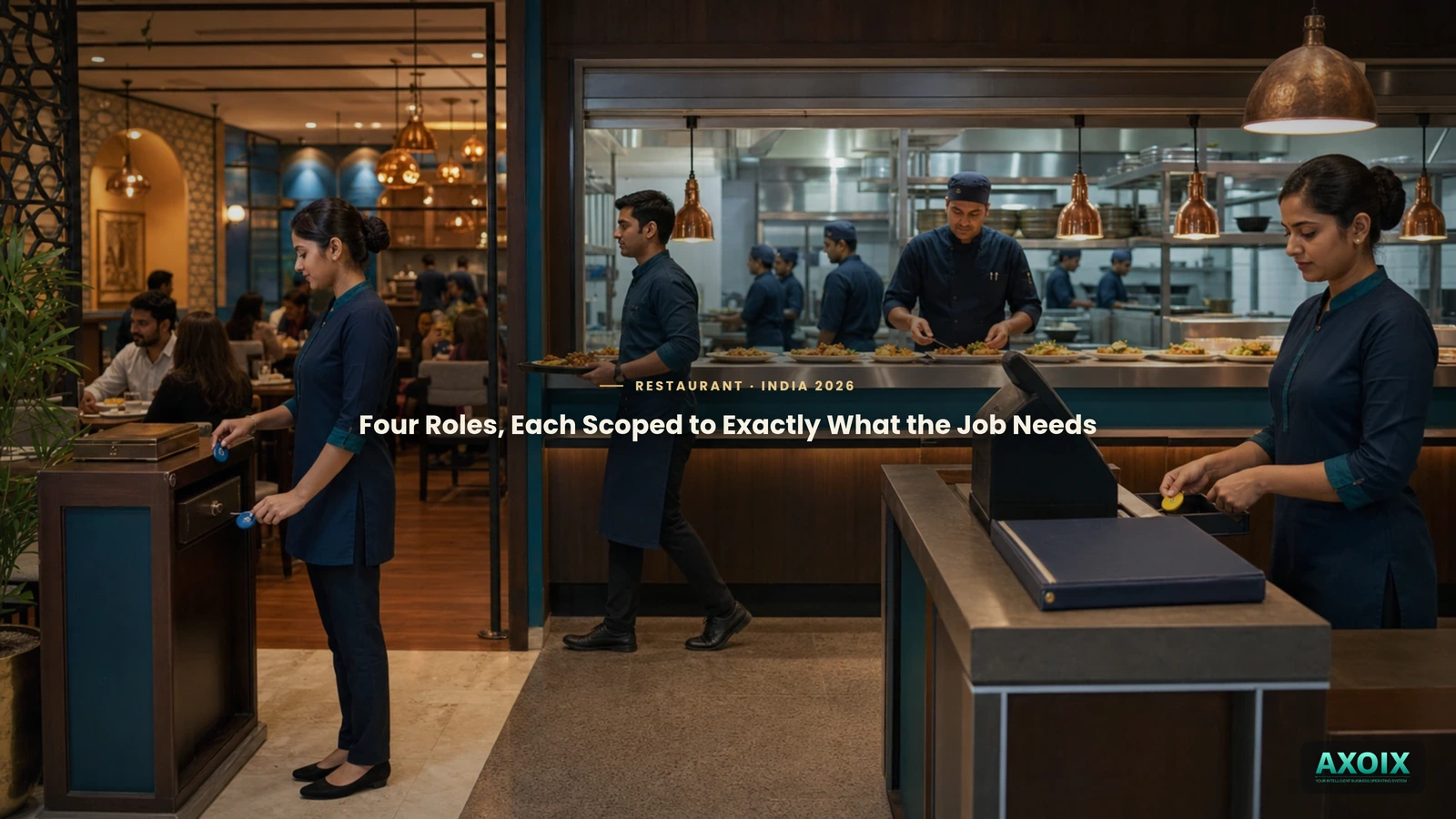
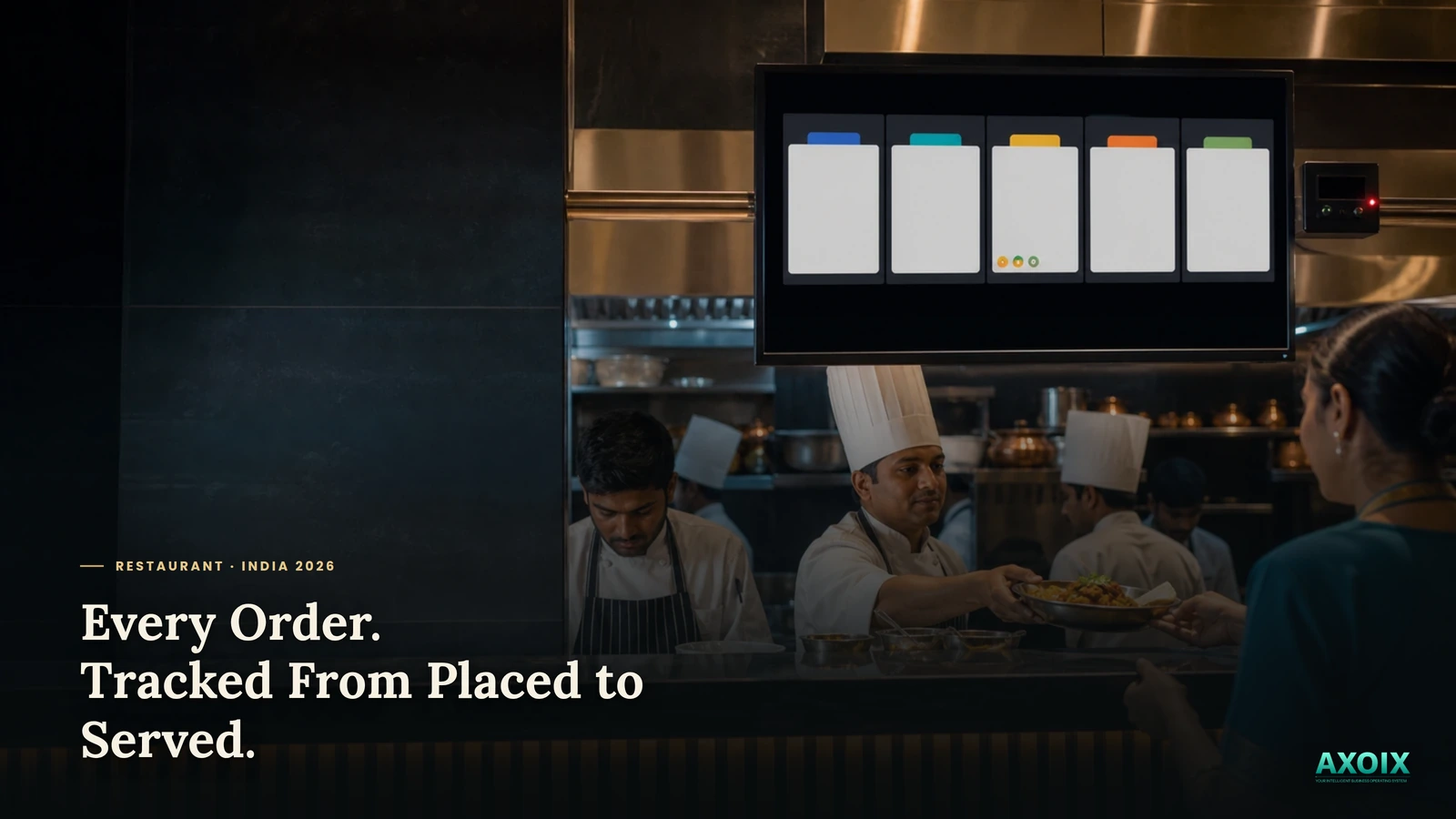
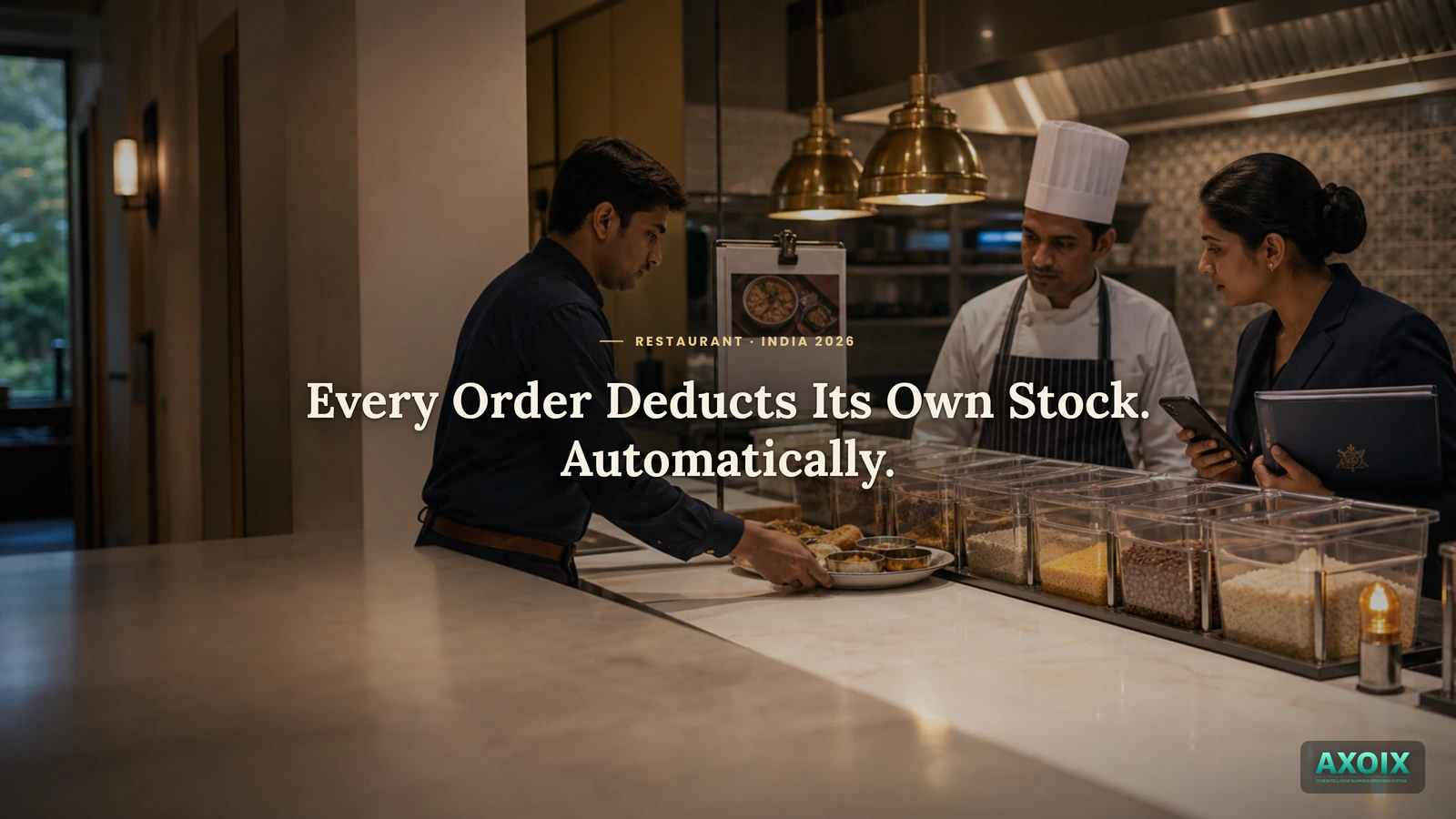
AXOIX ships four restaurant roles already built around how a real shift actually splits up work. A Server can take and manage orders, work with tables, view the menu, and check the kitchen — but doesn't get reservation or reporting access. Kitchen Staff gets full kitchen management and can see orders and the menu, without touching billing or tables directly. A Cashier can view orders, process payments, see tables, and pull reports — the money-facing view. A Host owns reservations, tables, and customer records — the front-of-house view, without kitchen or payment access.
None of this is a cage — roles can be adjusted to fit how your restaurant actually staffs a shift. The point is that a real, distinct starting point exists for each job, instead of everyone sharing one login by default.
Where AXOIX is honest about its limits
- Kitchen access isn't split by station. A menu item can be tagged with a kitchen station (grill, dessert, etc.) for routing purposes, but the Kitchen Staff role sees the whole kitchen queue — there's no role scoped to just one station's tickets.
FAQ
Do I have to build restaurant roles from scratch?
No — Server, Kitchen Staff, Cashier, and Host ship as ready-to-use role templates.
Can a server process payments or edit the menu?
Not by default — that's cashier and management-level access respectively, kept separate from the server role.
Can I customize a role if it doesn't fit exactly?
Yes — the roles are a starting point, not a fixed cage.
The bottom line
A restaurant runs on different jobs doing different things — the person taking orders isn't the person closing the register, and neither of them needs to touch the reservation book. Access that actually matches that shape, out of the box, is the difference between "everyone shares the password" and knowing exactly who can do what.
See how billing and day-close work, the full restaurant system overview, or pricing.
Give every role exactly the access it needs. Start free →
Comments